Configure and Verify the Toolchain
Run a TypeScript Development Script with `tsx` and npm
Add npm scripts for a TypeScript dev watcher, a no-emit type check, and a separate build-and-start path.
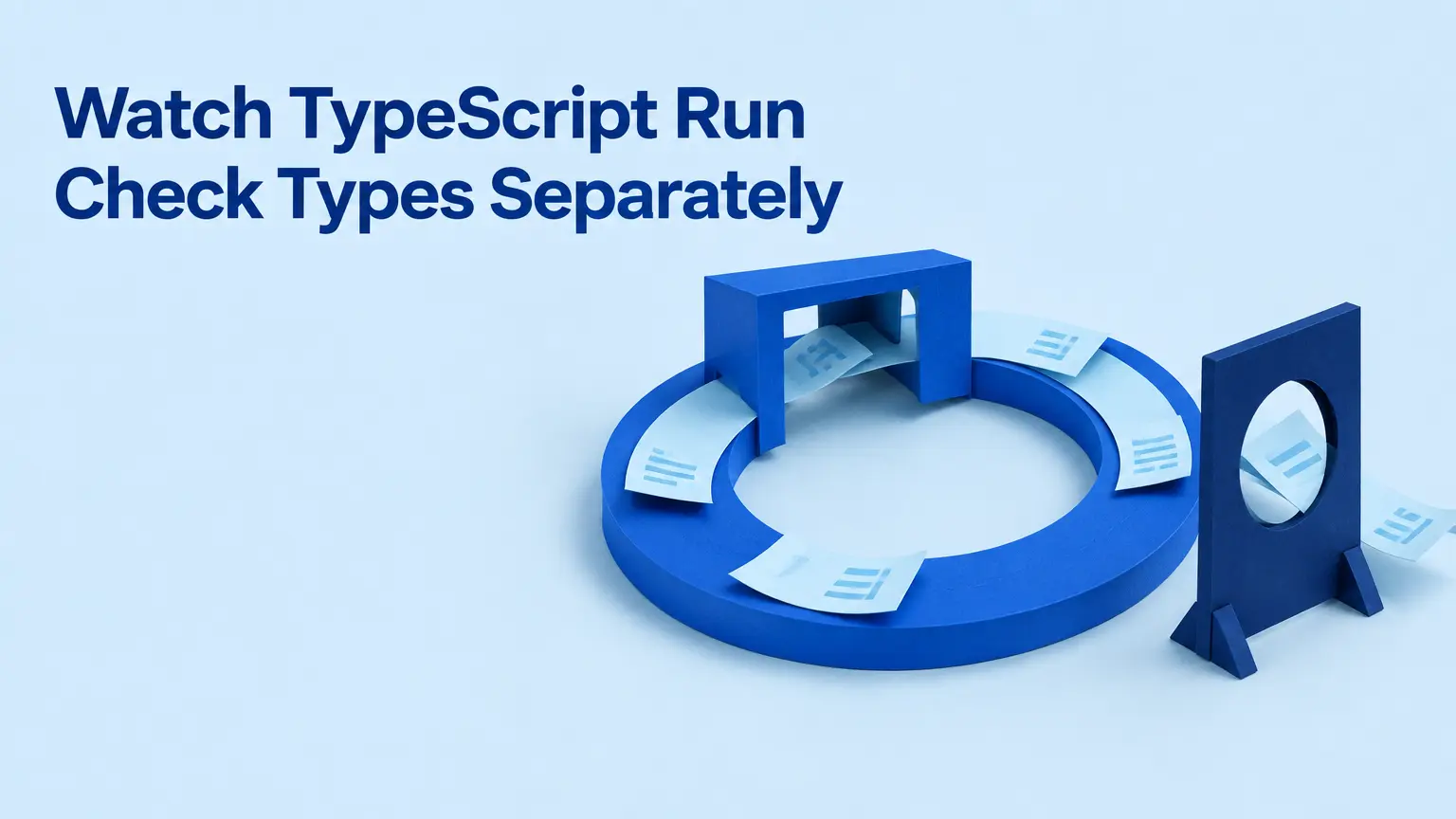
For an existing Node.js TypeScript project, npm run dev can be a short name for tsx watch src/index.ts. It runs the entry point and watches it for changes. It does not type-check the project or produce the JavaScript file that a separate production-style start command will use. Those are different jobs, and giving each one a script makes it easier to see which job passed.
This walkthrough assumes you already have src/index.ts, a tsconfig.json, and TypeScript installed in the project. It does not replace the initial project setup. The commands also depend on your existing Node runtime and TypeScript/module configuration being suitable for the code you run.
Give the entry point a development command
Install tsx as a development dependency:
npm install --save-dev tsx
For an observable example, put this in src/index.ts:
const message: string = "Development runner started";
console.log(message);
Add a dev script in package.json. If the file already has a scripts object, add the entry there rather than replacing your other scripts:
{
  "scripts": {
    "dev": "tsx watch src/index.ts"
  }
}
Run it with:
npm run dev
The process should print Development runner started. Change the string to Development runner updated and save the file; the watched process should run the entry point again and print the new message. That is a useful check of the development execution and watch path, not a check that the source is type-correct. The Node.js TypeScript guide distinguishes running TypeScript with tsx from checking its types, and a tsx npm-script example uses this watch pattern.
Unlike a compiler build, this command is not intended to leave you with a dist/index.js artifact. If another process needs compiled JavaScript, give it a build step rather than assuming the dev watcher supplied one.
Check types without creating a build
Add a second script, alongside dev:
{
  "scripts": {
    "dev": "tsx watch src/index.ts",
    "typecheck": "tsc --noEmit"
  }
}
Run it separately:
npm run typecheck
tsx runs the code without type-checking it. tsc --noEmit instead applies the project's configured compiler check without writing JavaScript output. The TypeScript npm-scripts guide describes this separation between a development runner and a no-output compiler check.
If npm run typecheck completes successfully, the configured check found no errors. That says nothing by itself about whether Node can start the emitted program, or whether values arriving from outside the program match their declared types. TypeScript describes its checker as running before program execution; a type annotation on message is not a runtime input check. For a broader discussion of that boundary, see What TypeScript Checks Before Production—and What It Leaves to Runtime.
Build, then run the emitted file
A compiled-code path needs its own scripts. The following complete scripts example assumes your existing compiler configuration emits dist/index.js in a module format your Node setup can run:
{
  "scripts": {
    "dev": "tsx watch src/index.ts",
    "typecheck": "tsc --noEmit",
    "build": "tsc",
    "start": "node dist/index.js"
  }
}
Run the two commands in order:
npm run build
npm run start
build invokes the TypeScript compiler using the project's tsconfig.json; its output location depends on that configuration. Check that the build actually creates or updates the file named by start. If it emits somewhere else, change the start path to match. If Node cannot load the artifact, inspect the emitted module format alongside the package and Node configuration instead of changing the dev script: the watcher and emitted-code path have different requirements. A TypeScript npm-script example likewise pairs tsc with a separate Node command for compiled output.
Seeing the example print through npm run start establishes that this named artifact launches under the current runtime. It does not test every application feature. Keep the three results distinct: dev shows that iteration works, typecheck reports on the configured static check, and build followed by start exercises the configured output path.